

Passwords, MFA, and WiFi Security for CMMC Compliance in 2026
Key Takeaways
Strong passwords, MFA, and encrypted WiFi are mandatory for any system in CMMC scope. Scope includes systems that process, store, or transmit CUI or that provide security protections to those systems.
MFA must protect privileged accounts, remote access, and network logins to any in-scope network carrying CUI.
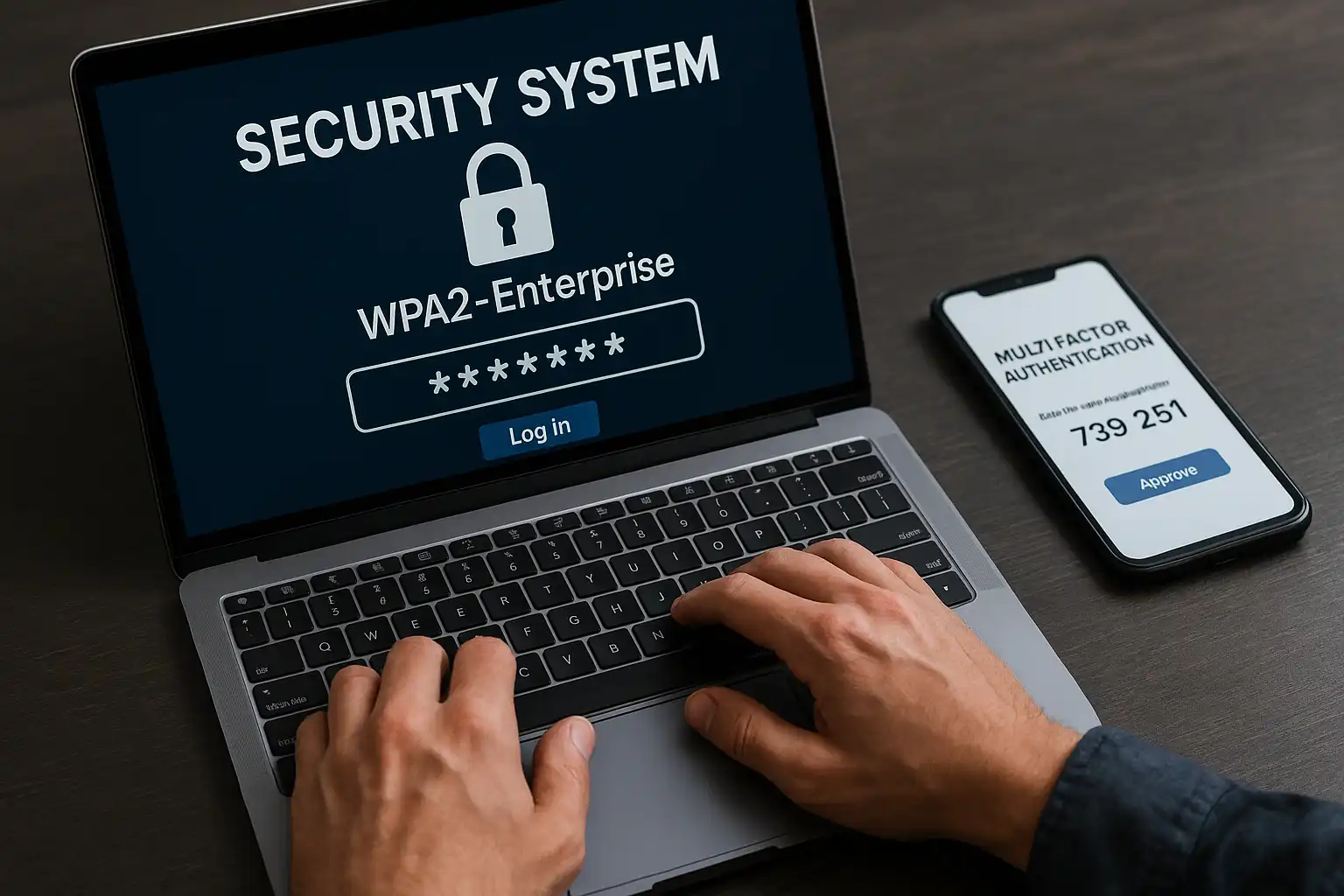
Any WiFi network in scope must use authenticated and encrypted protocols such as WPA2-Enterprise, WPA3-Enterprise, or 802.1X, and be documented in the SSP.
CMMC Phase 2 enforcement begins November 10, 2026. Contractors that have not implemented these controls risk failing their C3PAO assessment and losing contract eligibility.
Documenting your policies and technical enforcement in your System Security Plan is essential to demonstrate compliance during audits.
In This Article
Password Requirements
Multi-Factor Authentication
WiFi Security
Disk Encryption
Simplifying Compliance
Cost-Effective Tools
Frequently Asked Questions
If you are a defense contractor, the topics of passwords, multi-factor authentication (MFA), and WiFi security often spark confusion and uncertainty. Everyone agrees they are important and required, yet when auditors arrive, many contractors struggle with the foundational controls.
This challenge stems not from a lack of effort but because the CMMC 2.0 framework does not spell out every detail explicitly. The rule points to NIST SP 800-171 Revision 2 and its assessment guides for the detailed requirements. Contractors must implement those controls, which provide clear guidance in some areas like password complexity and MFA but remain vague in others, such as what exactly constitutes "cryptographic protection" of WiFi.
CMMC Phase 2 enforcement begins November 10, 2026, requiring third-party C3PAO assessments for Level 2 contracts involving Controlled Unclassified Information (CUI). If your organization handles Federal Contract Information (FCI) or CUI, robust passwords, MFA, and encrypted WiFi are core, mandatory requirements at CMMC Level 2. This article unpacks these rules, highlights gray areas, and offers practical steps for small and mid-sized contractors to achieve and maintain compliance before the deadline.
Note: NIST SP 800-171 Revision 3 was published in May 2024, but CMMC Level 2 assessments continue to map to Revision 2. Organizations should monitor for future rulemaking that may adopt Rev 3 requirements while ensuring current compliance against the Rev 2 control set.
For background on the difference between CUI and FCI and how they affect your CMMC scope, see CUI vs FCI Under 48 CFR Final Rule.
What Are the CMMC Password Requirements?
Strong, unique, technically enforced passwords are required for every account on systems that process, store, or transmit CUI. The specific controls come from NIST SP 800-171 Revision 2 under the Identification and Authentication (IA) family.
Which NIST 800-171 Controls Cover Passwords?
IA.L2-3.5.7: Enforce password complexity standards.
IA.L2-3.5.9: Require changing temporary passwords after first use.
IA.L2-3.5.10: Prohibit password reuse.
These stem directly from NIST SP 800-171 Revision 2, which CMMC references through 32 CFR Part 170.
What Does This Mean in Practice?
Complexity: Passwords should be at least 12 characters long, mixing upper and lowercase letters, numbers, and symbols. Avoid dictionary words. Some assessors accept guidance from NIST SP 800-63B, which prioritizes longer length over special characters.
Rotation: CMMC does not formally require passwords to be changed every 60 or 90 days. It only mandates a change after temporary passwords and disallows reuse. However, many contractors enforce routine rotation to meet legacy assessor expectations.
Secure Storage: Passwords must never be stored in plaintext. Use salted hashing algorithms such as bcrypt, PBKDF2, or Argon2.
What Mistakes Do Contractors Commonly Make with Passwords?
The most frequent issue we see during pre-assessment reviews is a gap between written password policies and what Active Directory actually enforces. Contractors document a 12-character minimum in their SSP but leave the domain policy at 8 characters. Assessors verify password policies directly in Active Directory or MDM consoles, not just in written documents. Other common mistakes include:
Permitting shared accounts without unique credentials for individuals.
Forgetting to reset passwords for vendor or service accounts after deployment.
Relying solely on default Active Directory password policies without tuning them to match the SSP.
Assessor Tip: Auditors typically verify password policies directly in Active Directory or mobile device management (MDM) consoles, not just in written documents.
For a deeper look at the full Identification and Authentication domain, see Identification and Authentication in CMMC Compliance.
What Does CMMC Require for Multi-Factor Authentication?
MFA is required for all local and network access to privileged accounts, and for all network access to non-privileged accounts. This is one of the most frequently cited controls during C3PAO assessments.
What Is the Core MFA Requirement?
The directive comes from IA.L2-3.5.3 in NIST SP 800-171:
Use multifactor authentication for local and network access to privileged accounts and for network access to non-privileged accounts.
This means MFA must cover:
Remote connections: VPNs, remote desktops, and cloud services all require MFA.
Privileged accounts: Domain admins, local admin accounts, and hypervisor administrators.
Network access: Users accessing the internal network remotely.
Where Are the Gray Areas with MFA?
Caching MFA credentials: Is it acceptable to allow users to "remember me for 12 hours"? While NIST SP 800-171 does not prohibit caching, some auditors view this as weakening MFA, especially for remote access. Keeping session timeouts short and documenting the rationale in your SSP is advisable.
MFA for WiFi: MFA is not explicitly required for wireless access. However, WiFi setups using 802.1X authentication with certificates and passwords create a multi-factor experience. Details are covered in the WiFi section below.
What MFA Solutions Work Best for CMMC Compliance?
Microsoft Entra ID (previously Azure AD) with Conditional Access policies works well for organizations already in the Microsoft ecosystem.
Third-party solutions like Duo Security or Okta provide strong coverage for VPN and cloud application access.
Hardware tokens such as smart cards or FIDO2 security keys provide the strongest protection for administrator accounts.
Adopting solutions like these aligns with Identification and Authentication best practices and strengthens your compliance posture.
Assessor Insight: Auditors expect MFA enforcement at the system or network level, not simply offered as an optional feature. Prepare screenshots or audit logs to demonstrate compliance.
What Are the WiFi Security Requirements for CMMC?
Any WiFi network that carries CUI must use enterprise-grade encryption and per-user authentication. Consumer-grade WiFi with shared passwords does not meet CMMC standards. The relevant controls span two NIST 800-171 domains.
Which NIST Controls Cover WiFi?
WiFi controls cross multiple domains including:
SC.L2-3.13.8: Employ cryptographic mechanisms to guard wireless communications from unauthorized interception.
AC.L2-3.1.13: Restrict and manage external connections.
Implementing enterprise-grade WiFi security complements your overall System and Communications Protection compliance strategy required by CMMC.
What Does This Mean in Practice?
Consumer-grade WiFi protection like WPA2-PSK (shared passwords) does not meet CMMC standards for environments handling CUI.
WPA2-Enterprise using 802.1X with a RADIUS server and per-user credentials is required.
Authentication should involve certificates or unique credentials assigned to individual users or devices.
Does WiFi Require MFA?
No, MFA is not directly mandated for WiFi connections. However, enforcing 802.1X with both certificates ("something you have") and passwords ("something you know") provides multi-factor level security consistent with the spirit of MFA requirements. Many assessors accept this as meeting the intent of the control.
What WiFi Security Practices Are Recommended?
Disable or strictly segment guest WiFi networks from corporate resources.
Implement VLANs to isolate corporate traffic from guest and IoT traffic.
Use mobile device management (MDM) tools like Microsoft Intune or Jamf to distribute and manage WiFi certificates.
Monitor wireless access points for rogue devices and unauthorized connections.
For guidance on the logging and monitoring requirements that support WiFi security controls, see SIEM Requirements for CMMC Compliance.
How Does Disk Encryption Relate to Password Controls?
Full-disk encryption is not a password control, but it is essential for protecting CUI stored on endpoints and is closely related to how passwords and encryption keys interact. The relevant control is SC.L2-3.13.8 (Encryption of CUI at rest).
What Are the Practical Disk Encryption Requirements?
If a laptop containing CUI is lost or stolen, encryption must prevent unauthorized access to the data.
Use BitLocker integrated with TPM on Windows or FileVault on macOS.
Protect recovery keys with passwords or PINs. TPM-only protection without a PIN may be insufficient for CUI environments because physical access to the device could expose the data.
Store recovery keys in a secure enterprise vault such as Active Directory or MDM-managed secure storage.
How Do Passwords and Encryption Keys Interact?
Windows login passwords often unlock BitLocker keys automatically.
For added security, require PIN entry at boot for devices containing CUI. This creates a second factor before the operating system loads.
Ensure recovery keys are accessible only to authorized personnel and that access is logged.
Organizations running Microsoft 365 GCC High can manage these policies through Intune. For more on the GCC High environment, see Microsoft 365 GCC High Migration Roadmap.
How Can Small Contractors Simplify CMMC Compliance?
Small and mid-sized contractors can meet every password, MFA, and WiFi requirement using tools they may already own or that are available at low cost. The key is to enforce controls technically, not just document them in policy.
What Should You Do First?
Enforce passwords of 12 characters or more using Group Policy or MDM.
Roll out MFA broadly, starting with email systems, VPN access, and privileged accounts.
Deploy WPA2-Enterprise WiFi using RADIUS and certificate-based authentication.
Document all settings, policies, and controls clearly in your System Security Plan (SSP).
Address SIEM and logging requirements early, as audit logging configuration differs across environments and is required for CMMC Level 2.
What Should You Avoid?
Using shared generic user accounts.
Using consumer-grade WiFi routers for corporate networks handling CUI.
Relying solely on written policies without technical enforcement.
Waiting until assessment time to configure controls that should be enforced continuously.
What Are Cost-Effective Tools for CMMC Compliance?
Defense contractors do not need enterprise-tier pricing to meet CMMC Level 2 requirements. The table below lists tools that satisfy password, MFA, WiFi, and encryption controls at price points accessible to organizations with 10 to 200 users.
Tool | Function | Approx. Cost | CMMC Controls Addressed |
|---|---|---|---|
| Tool: Microsoft 365 Business Premium | Function: MFA via Entra ID, Intune MDM, BitLocker management | Approx. Cost: ~$22/user/month | CMMC Controls Addressed: IA.L2-3.5.3, SC.L2-3.13.8 |
| Tool: Duo Security (Essentials) | Function: MFA for VPN, RDP, cloud apps | Approx. Cost: ~$3/user/month | CMMC Controls Addressed: IA.L2-3.5.3 |
| Tool: Okta Workforce Identity | Function: MFA + SSO + Conditional Access | Approx. Cost: ~$6/user/month | CMMC Controls Addressed: IA.L2-3.5.3, AC.L2-3.1.13 |
| Tool: Windows Server NPS (RADIUS) | Function: 802.1X WiFi authentication | Approx. Cost: Included with Windows Server | CMMC Controls Addressed: SC.L2-3.13.8, AC.L2-3.1.13 |
| Tool: FreeRADIUS | Function: Open-source 802.1X RADIUS server | Approx. Cost: Free | CMMC Controls Addressed: SC.L2-3.13.8, AC.L2-3.1.13 |
| Tool: BitLocker (Windows Pro/Enterprise) | Function: Full-disk encryption with TPM + PIN | Approx. Cost: Included with Windows | CMMC Controls Addressed: SC.L2-3.13.8 |
| Tool: FileVault (macOS) | Function: Full-disk encryption | Approx. Cost: Included with macOS | CMMC Controls Addressed: SC.L2-3.13.8 |
| Tool: Jamf Now | Function: macOS MDM for FileVault and WiFi cert management | Approx. Cost: ~$4/device/month | CMMC Controls Addressed: SC.L2-3.13.8 |
For most contractors with 10 to 50 users, Microsoft 365 Business Premium combined with Windows Server NPS provides the most complete coverage at the lowest total cost. Organizations that need cross-platform MFA coverage (VPN, Linux, Mac) benefit from adding Duo or Okta.
Need help turning MFA requirements into an audit-ready plan?
CMMC Dashboard helps you track password, MFA, and WiFi controls alongside all 110 NIST 800-171 practices.
Frequently Asked Questions
Frequently Asked Questions
Does CMMC require passwords to be rotated on a schedule?
No. CMMC requires changing temporary passwords at first use (IA.L2-3.5.9) and prohibits password reuse (IA.L2-3.5.10), but does not mandate routine rotation on a fixed schedule. However, many contractors rotate passwords every 90 days to satisfy certain assessors who follow older NIST guidance. Document your approach in the SSP either way.
Can an MFA credential be cached after initial use?
NIST SP 800-171 does not prohibit MFA caching, but assessors may flag long cache durations as a risk. A common best practice is to limit caching to 12 hours or less, apply it only to low-risk sessions, and document the rationale in your SSP. For privileged accounts, avoid caching entirely.
Does CMMC 2.0 require MFA for connecting to WiFi networks?
No explicit MFA requirement exists for WiFi. Instead, the focus is on cryptographic protections and restricting access. Using WPA2-Enterprise with certificates and passwords effectively acts as multi-factor authentication and is accepted by most assessors as meeting the intent of the control.
Does WPA2-Enterprise count as MFA?
Formally, no. WPA2-Enterprise is an authentication protocol, not a multi-factor mechanism. However, when paired with certificates ("something you have") and passwords ("something you know"), it provides two factors of authentication in practice. Most assessors accept this configuration as meeting the spirit of MFA for wireless access.
What are the password requirements related to whole disk encryption?
NIST SP 800-171 section 3.13.8 covers cryptographic protections, not disk encryption specifically. However, protecting data at rest with full-disk encryption linked to user credentials or PINs is a practical expectation for CUI environments. Ensure BitLocker or FileVault is enforced via policy and that recovery keys are stored securely.
Do subcontractors need MFA for guest WiFi?
Guest WiFi should be fully isolated from CUI systems using VLANs and firewall rules. If subcontractors only access the internet through guest WiFi and never touch CUI systems, MFA is not required for that connection. MFA applies when anyone accesses CUI systems, whether over WiFi or any other connection.
Are password managers acceptable for CMMC compliance?
Yes. Password managers help enforce strong, unique passwords and are encouraged by most assessors. Choose a manager that supports enterprise features such as centralized policy enforcement, audit logging, and secure sharing. Ensure the password manager itself is protected by MFA.
Passwords, MFA, and WiFi security are foundational controls under CMMC, and they are among the first things assessors verify. The requirements come down to three principles: enforce controls technically (not just in policy), use enterprise-grade tools (not consumer products), and document everything in your System Security Plan.
With CMMC Phase 2 enforcement set for November 10, 2026, contractors that implement these controls now will be positioned for a successful C3PAO assessment. Those that wait risk compressed timelines and the possibility of losing contract eligibility before they can certify.
References
National Institute of Standards and Technology. NIST Special Publication 800-171 Rev. 2: Protecting Controlled Unclassified Information in Nonfederal Systems and Organizations. NIST, 2021.
National Institute of Standards and Technology. NIST Special Publication 800-171 Rev. 3. NIST, 2024.
Department of Defense. 32 CFR Part 170: Cybersecurity Maturity Model Certification Program. eCFR, 2024.
Defense Federal Acquisition Regulation Supplement. DFARS 252.204-7012: Safeguarding Covered Defense Information and Cyber Incident Reporting. DoD, 2024.
National Archives and Records Administration. CUI Registry. NARA, 2024.
National Institute of Standards and Technology. NIST Special Publication 800-63B: Digital Identity Guidelines. NIST, 2020.
Start documenting your CMMC controls now
Free compliance tracker for all 110 NIST 800-171 practices.